The Career Portal in Worksy is your company's dedicated recruitment website. It allows you to manage job listings, showcase your company culture, and provide candidates with a professional dashboard to track their applications.
Our builder uses a drag-and-drop interface, making it easy to design a high-quality career site without any coding knowledge.
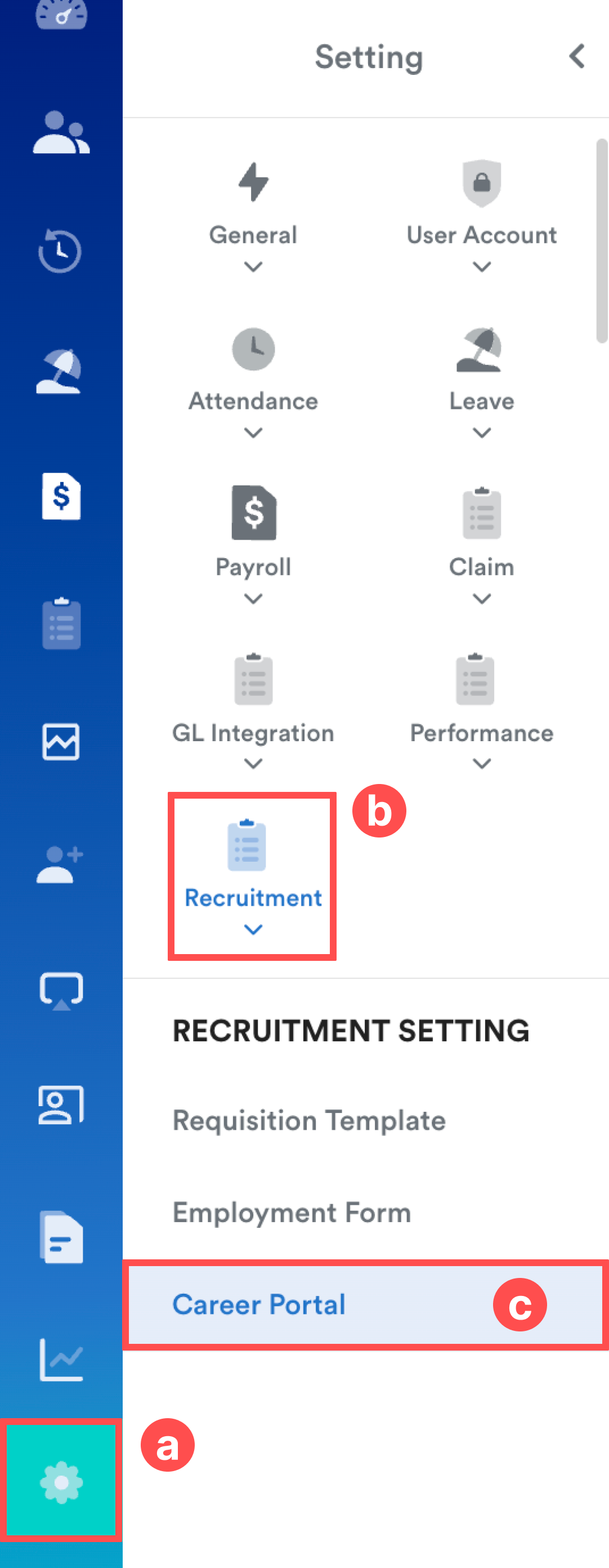
To start building, navigate to:
Settings (a) > Recruitment (b) > Career Portal (c).
Part 1: Career Page
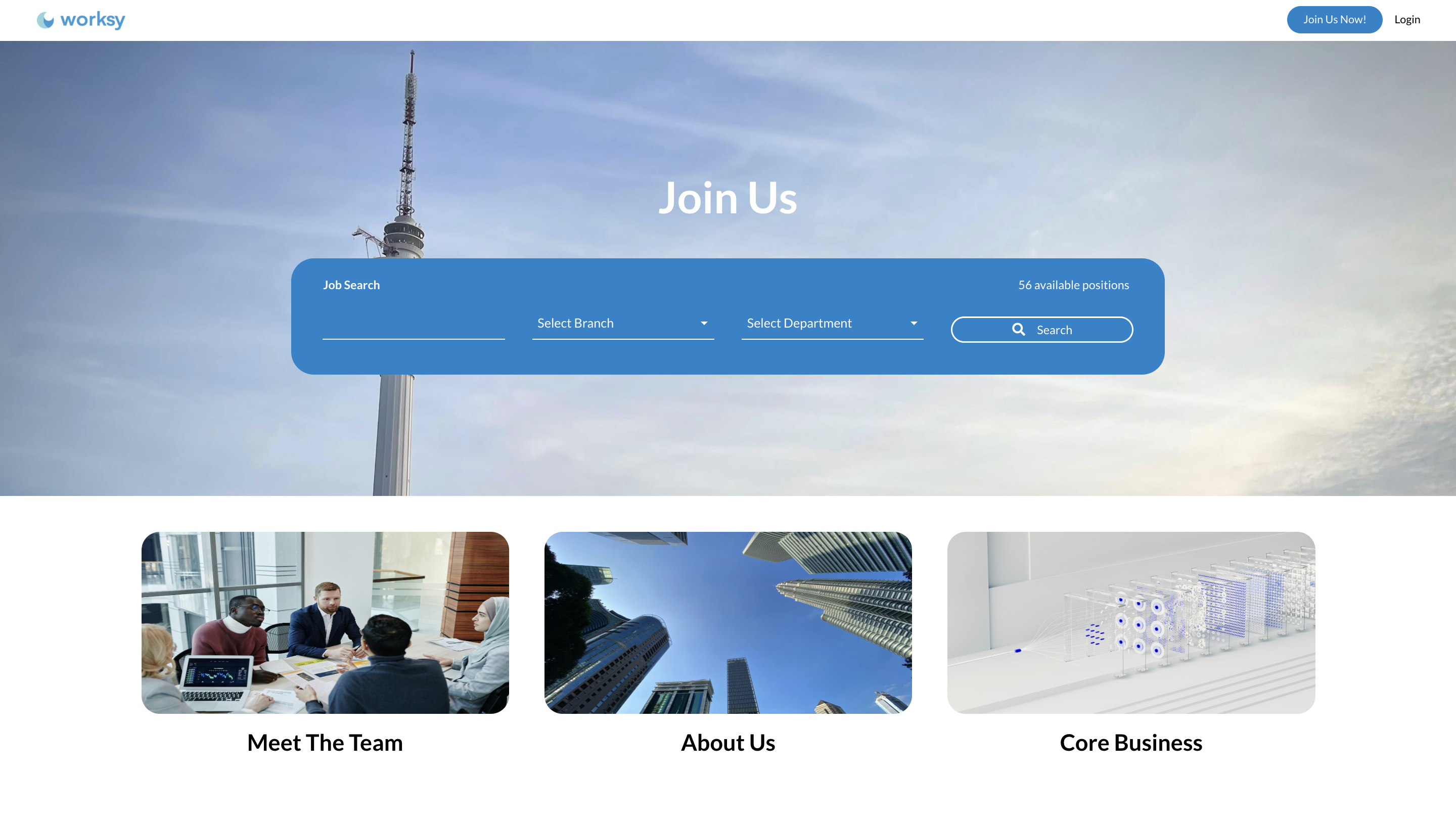
Focuses on the homepage page of your portal. Learn how to use the drag-and-drop components to build your Header, contents, and Footer.
Refer to this guide: Career Portal Builder - Career PagePart 2: Job Listing & Job Post
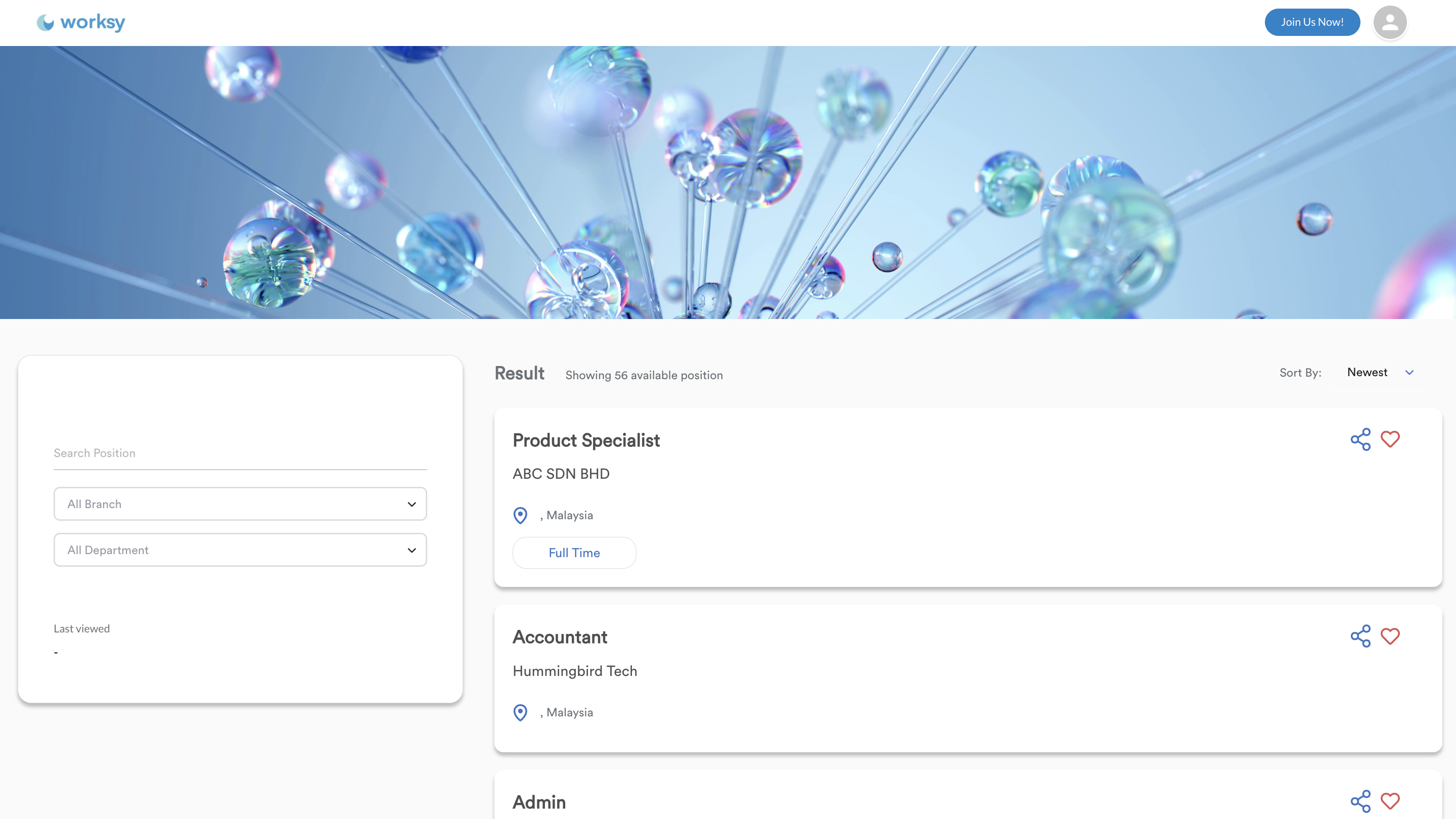
Focuses on the "Search" and "Description" functions. Learn how to customize the Search Results layout and how specific Job Details (highlights and requirements) are displayed to candidates.
Refer to this guide: Career Portal Builder - Job Listing & Job PostPart 3: Applicant Dashboard & Login
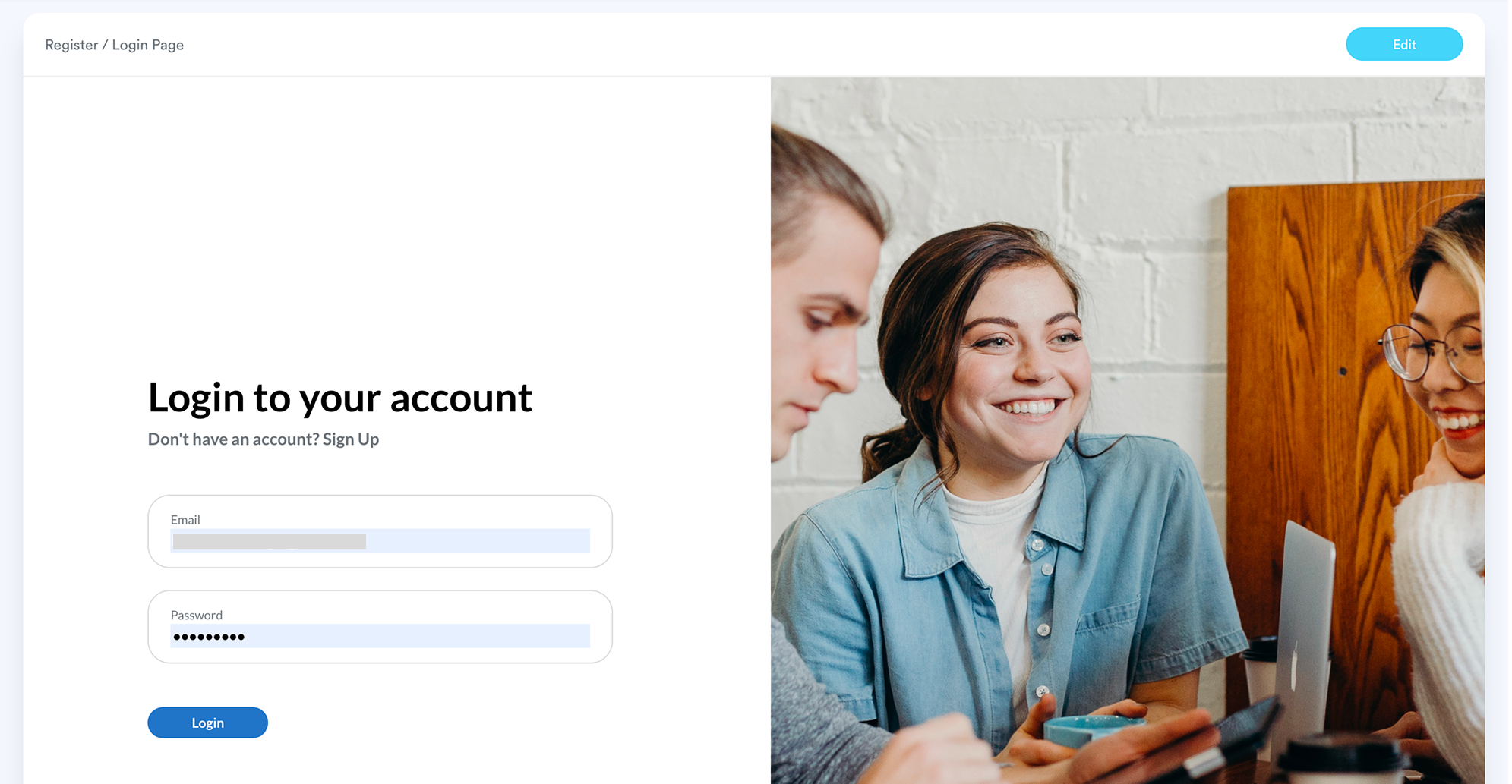
Focuses on the candidate's private portal. Learn how to brand the Login/Register screens and set the primary colors for the Applicant Dashboard where users track their status.
Refer to this guide: Career Portal Builder - Applicant Dashboard and Login & RegisterWe hope this explanation clarifies the matter. If you require additional assistance, do not hesitate to contact our support team.
Was this article helpful?
That’s Great!
Thank you for your feedback
Sorry! We couldn't be helpful
Thank you for your feedback
Feedback sent
We appreciate your effort and will try to fix the article