Career Portal: Candidate Sign Up and Profile Update

Modified on Mon, 27 Jul at 2:38 PM

This guide explains how to create a candidate account and update your profile information in the Worksy Career Portal.


Step 1

Create a candidate account by signing up through the Career Portal.



Step 2

After signing in, click My Profile from the left navigation menu.
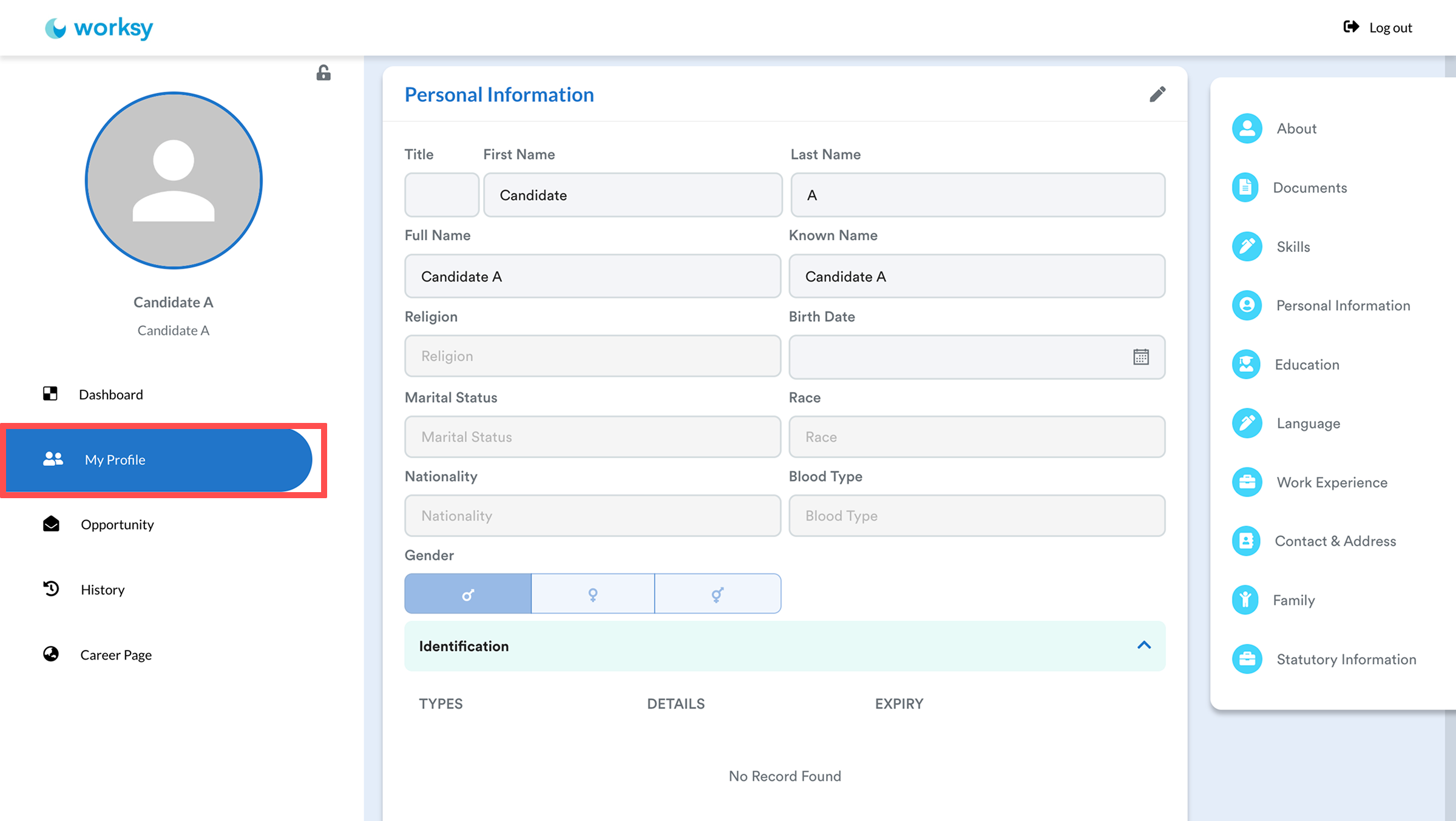


Step 3

Navigate to the section you want to update the details, then click the pencil (edit) icon.
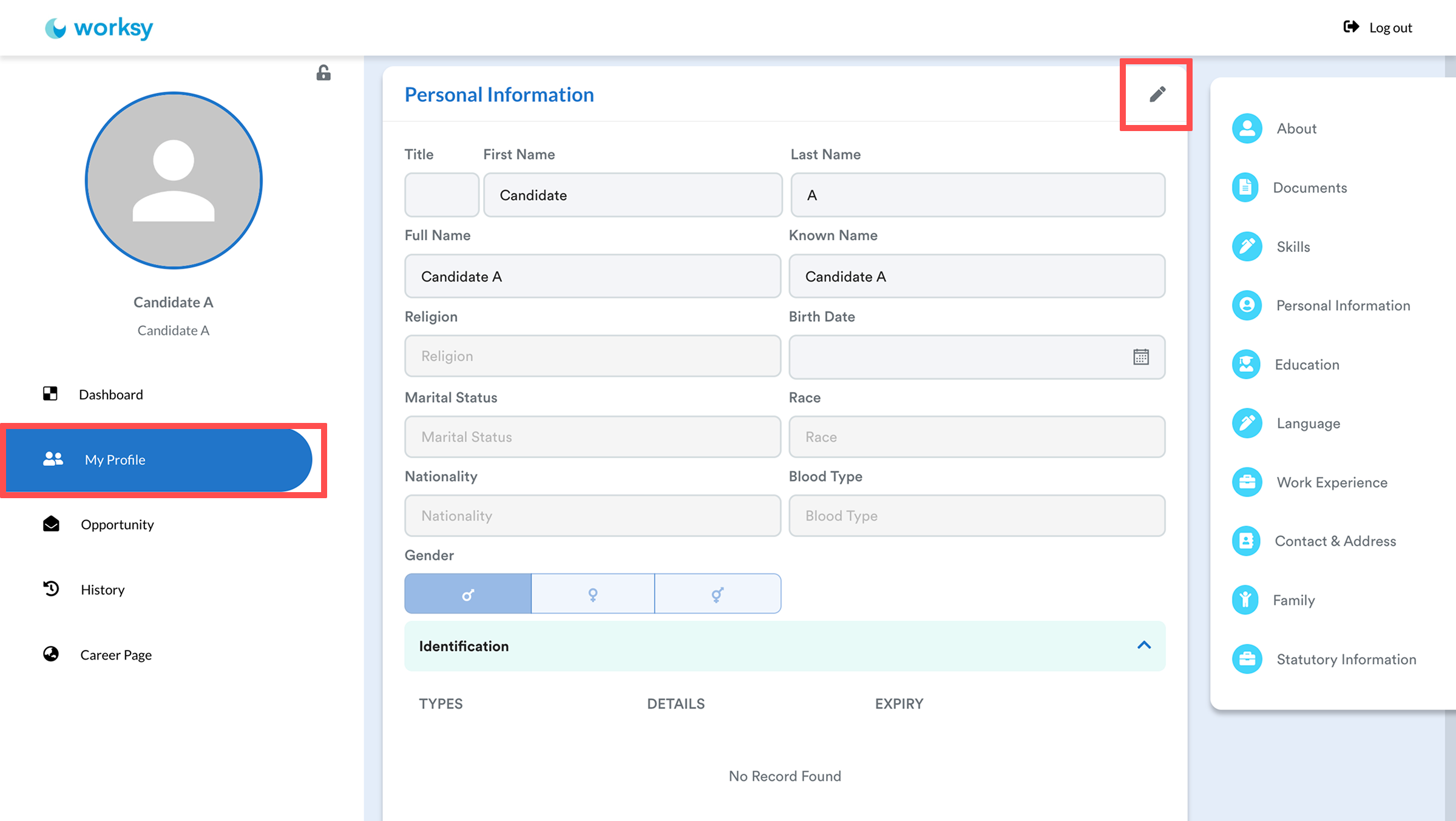


Update the required information, then click Confirm to save your changes.
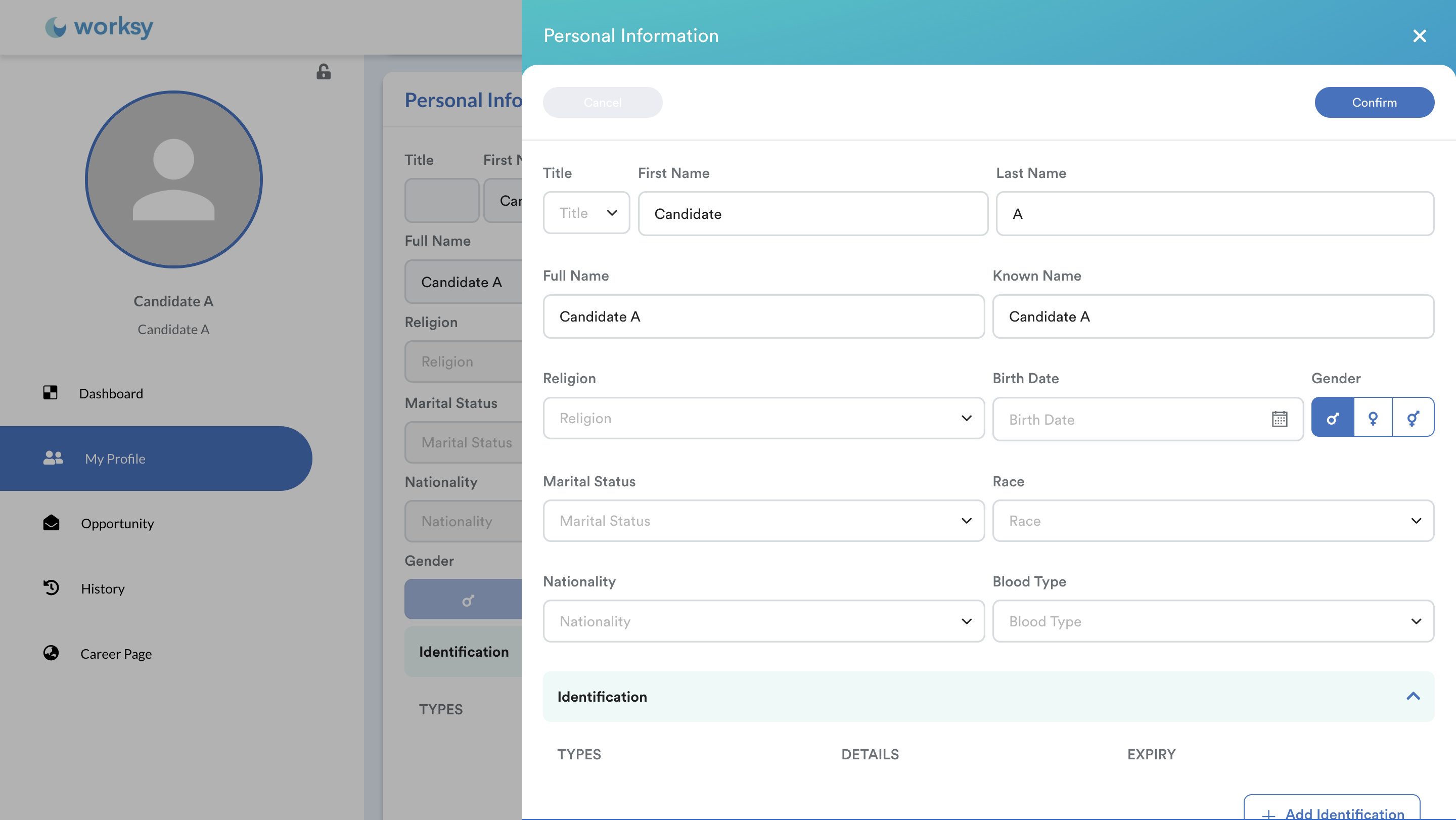


Note: Employers are not able to edit candidate profile information. If any of your personal information changes, simply sign in to your Career Portal account to update it. (Reach out to the admin if you need to update your email).


Career Portal Navigation

The left navigation menu provides quick access to different areas of the Career Portal.


Dashboard
  • Displays your active job applications and their latest statuses, such as Viewed, Shortlisted, Interview, Offer Letter, and more.
My Profile
  • View and update your personal information, qualifications, work experience, and other details required for job applications. 
  • Once you are hired, this information will be used to create your employee profile.
  • Toggle Receive Email to receive notifications when new job openings match your saved jobs or preferences. 
  • You can also click the pencil (edit) icon under Job Preference to select your preferred job categories, then click Confirm to save your preferences.
Opportunity
  • Browse available job openings in the company. Use the tabs to switch between All Opportunities, Preferences, and Saved Jobs.
  • Toggle Job Alert to receive notifications when new job openings match your saved jobs or preferences. 
  • You can also click the pencil (edit) icon for Job Preference to select your preferred job categories, then click Confirm to save your preferences.
History
  • View a record of your current and previous job applications.
Career Page
  • Return to the company's Career Portal to browse available job opportunities.


We hope this explanation clarifies the matter. If you require additional assistance, do not hesitate to contact our support team.


Was this article helpful?

That’s Great!

Thank you for your feedback

Sorry! We couldn't be helpful

Thank you for your feedback

Let us know how can we improve this article!

Select at least one of the reasons
CAPTCHA verification is required.

Feedback sent

We appreciate your effort and will try to fix the article