This article explains how clocking reminders work and how you or your team can receive notifications to ensure accurate attendance for shifts and breaks.
The reminder settings here apply to all employees under the same schedule. If you need different settings for different groups, create a separate schedule based on your requirements.
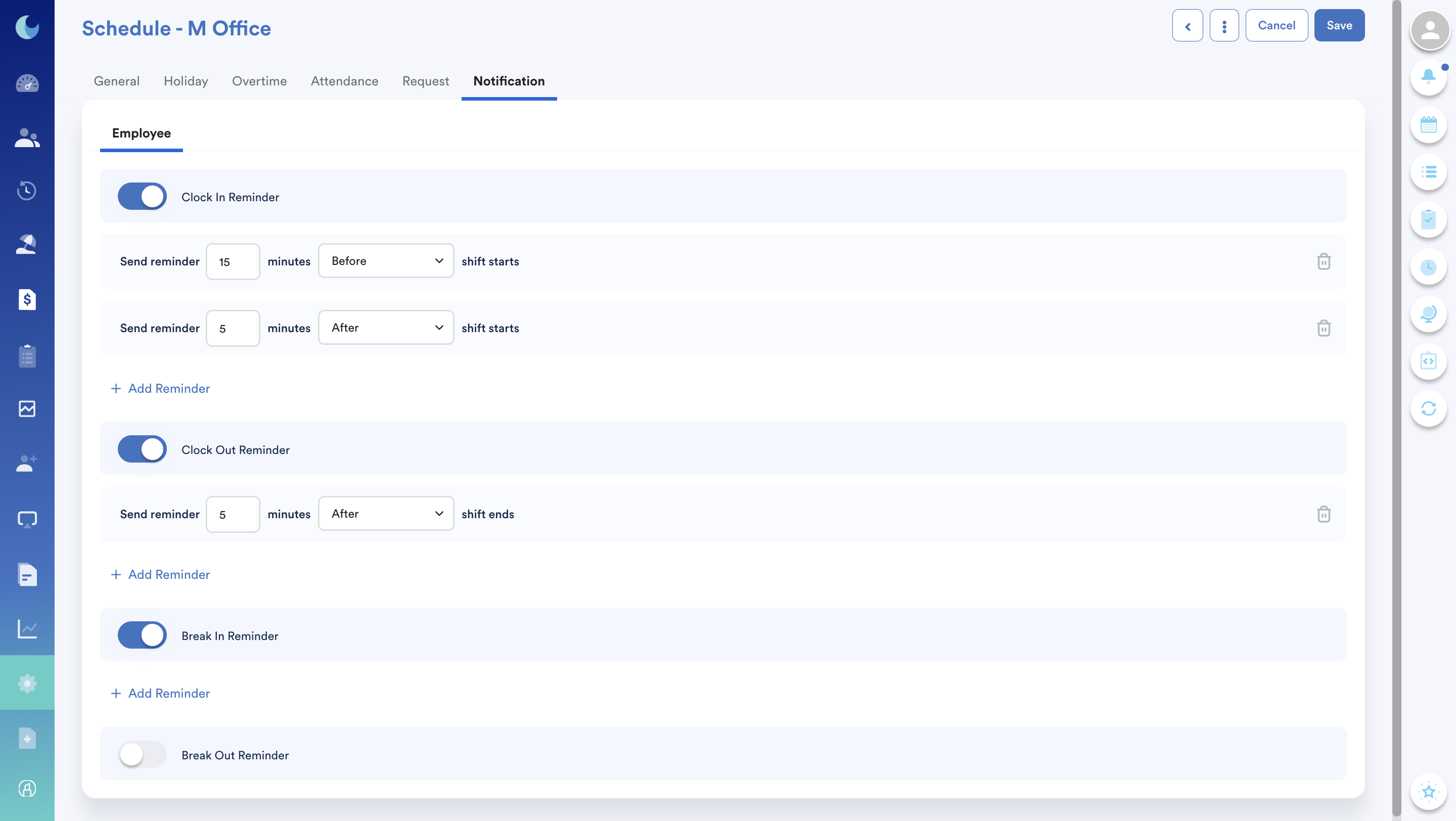
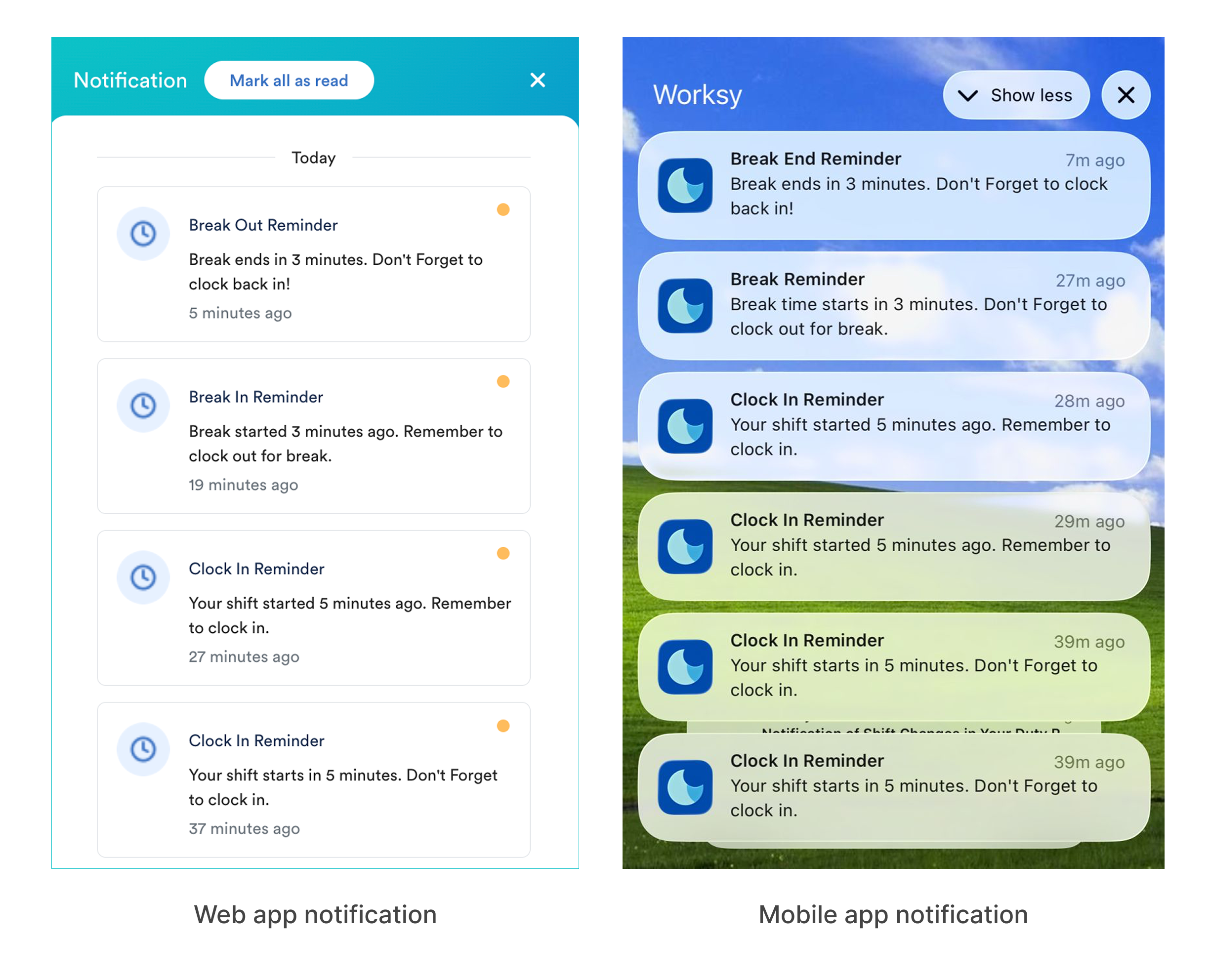
To help employees perform clocking accurately, reminders are sent as push notifications on the employee’s device and in-app notifications via the Worksy web app.
Shift Type Applicability
- Normal Shift: Reminders are sent based on shift start and shift end.
- Semi-Flexi Shift: Same as a normal shift, follow shift start and shift end.
- Flexible Shift: Clocking reminders are not available at the moment.
| Reminder Type | When |
| Clock In | Before and after shift starts |
| Clock Out | Before and after shift ends |
| Break In | When a break starts |
| Break Out | When a break ends |
The exact minutes before and after can be configured by admins. Follow the steps below:
Step 1
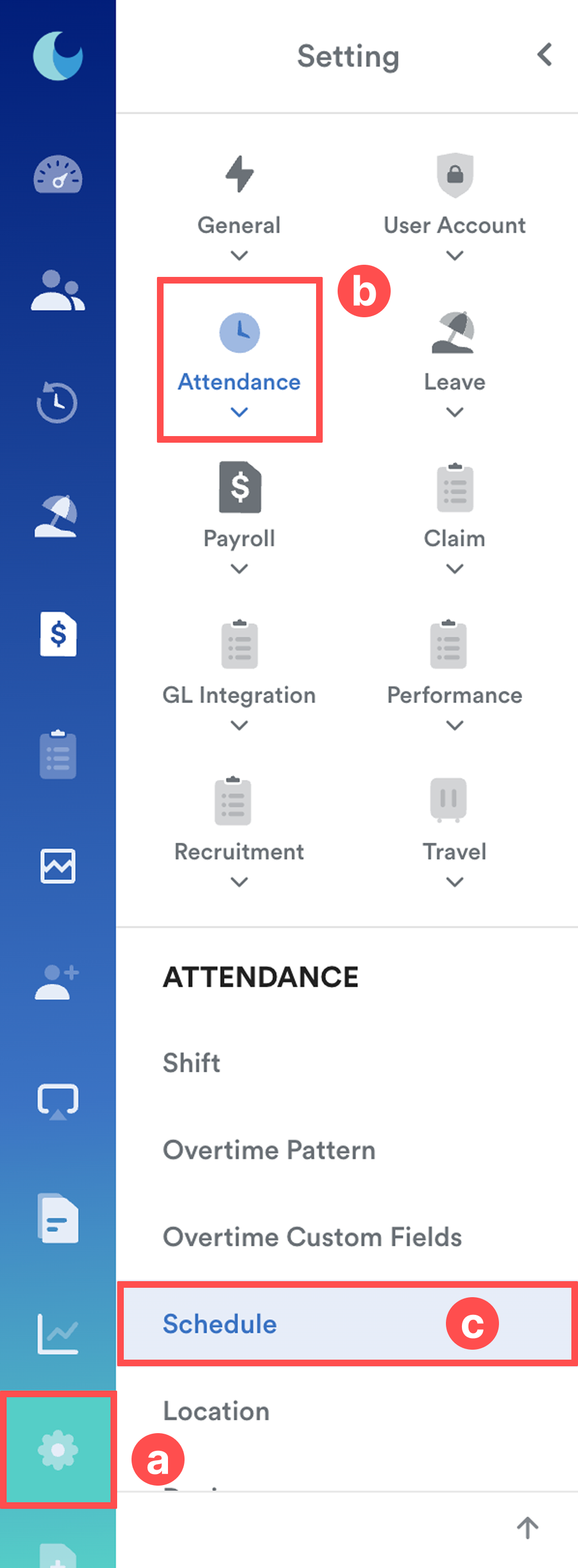
On the left menu, go to Settings (a) > Attendance (b) > Schedule (c). Select the relevant schedule.
Step 2
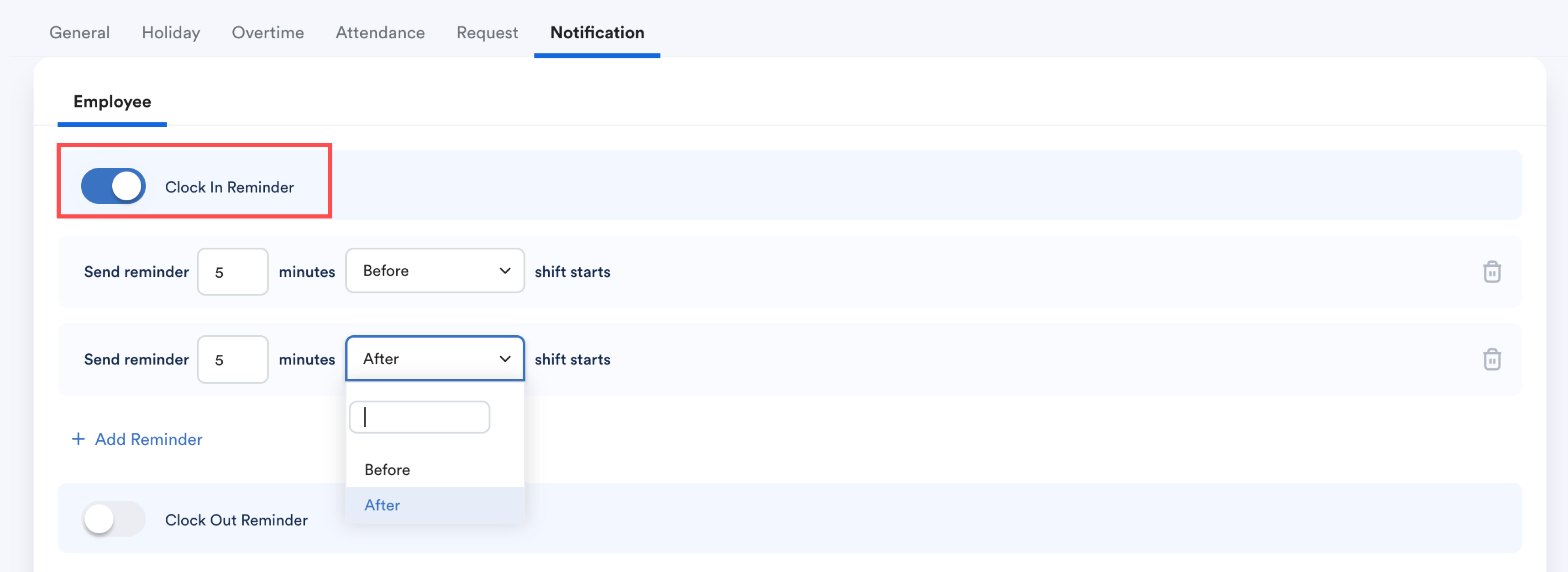
Go to Notification tab. Click Edit.

Step 3
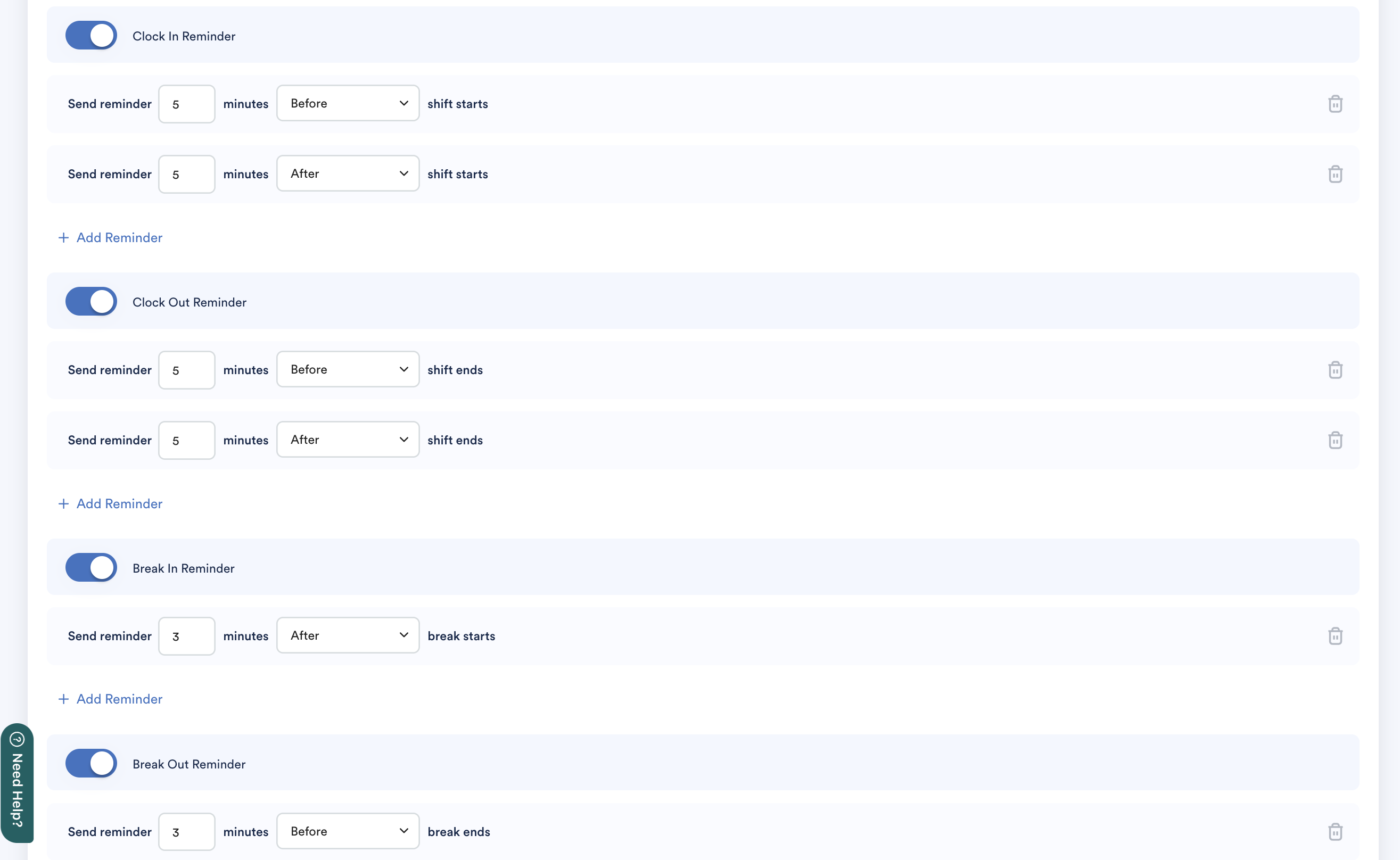
Toggle on the button for each reminder type to set the exact before and after timings.
Example: This schedule settings include 5 minutes before/after shifts or 3 minutes before/after break.
Click Save.
Employees assigned to shifts included in the schedule will receive reminders based on your configuration.
We hope this explanation clarifies the matter. If you require additional assistance, do not hesitate to contact our support team.
Was this article helpful?
That’s Great!
Thank you for your feedback
Sorry! We couldn't be helpful
Thank you for your feedback
Feedback sent
We appreciate your effort and will try to fix the article