This guide explains the basic purpose of Worksy LMS, its core components, and the recommended first-time setup steps to help you get onboarded quickly.
The LMS acts as your central hub for managing courses, learning content, assessments, and reporting.
Setup Guide
Step 1
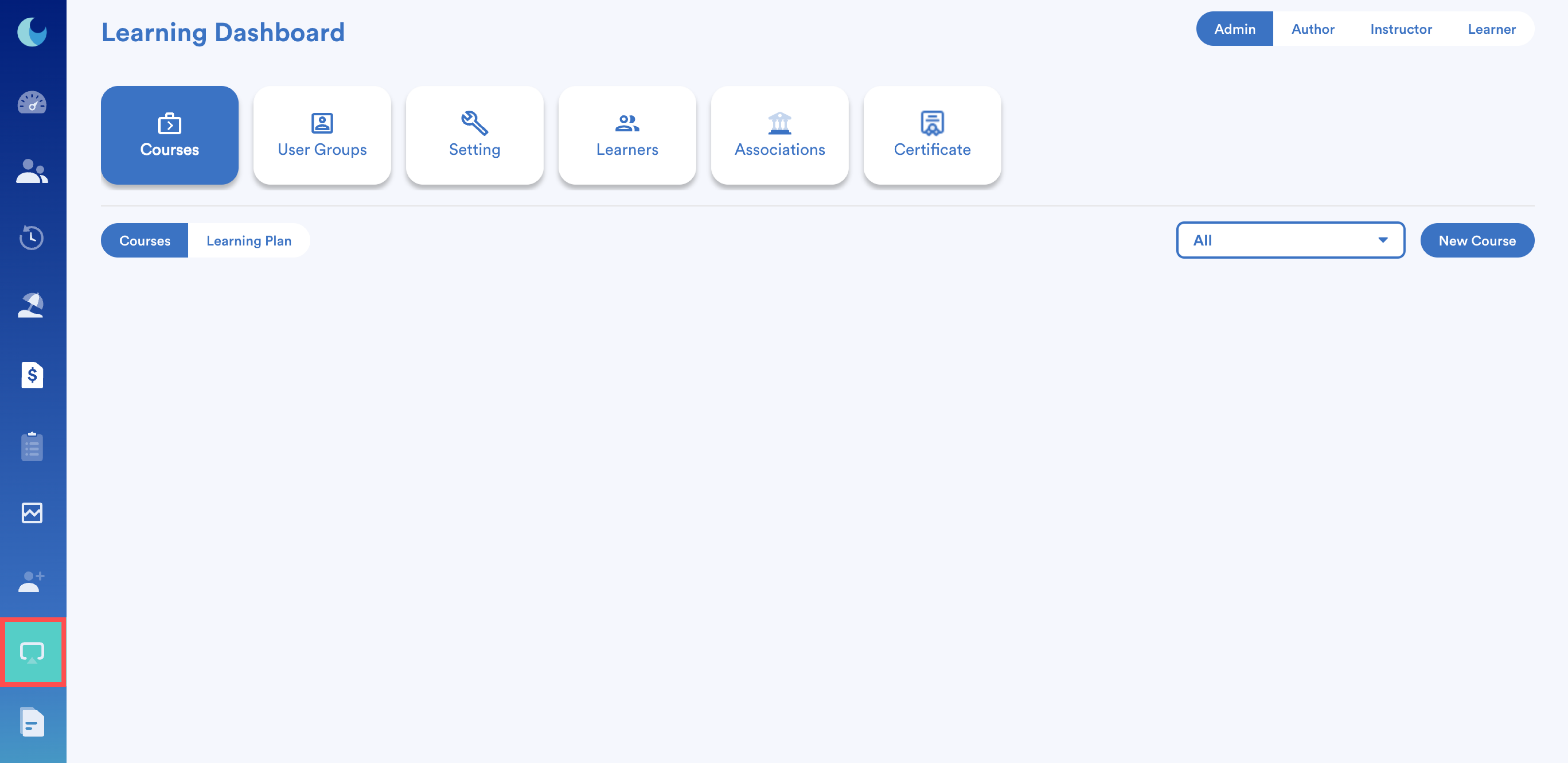
Go to Learning module from the left menu to access the dashboard.
Step 2
Define your key roles (Admin, Instructor/Author, Learner, External Learner) and assign the necessary permissions.
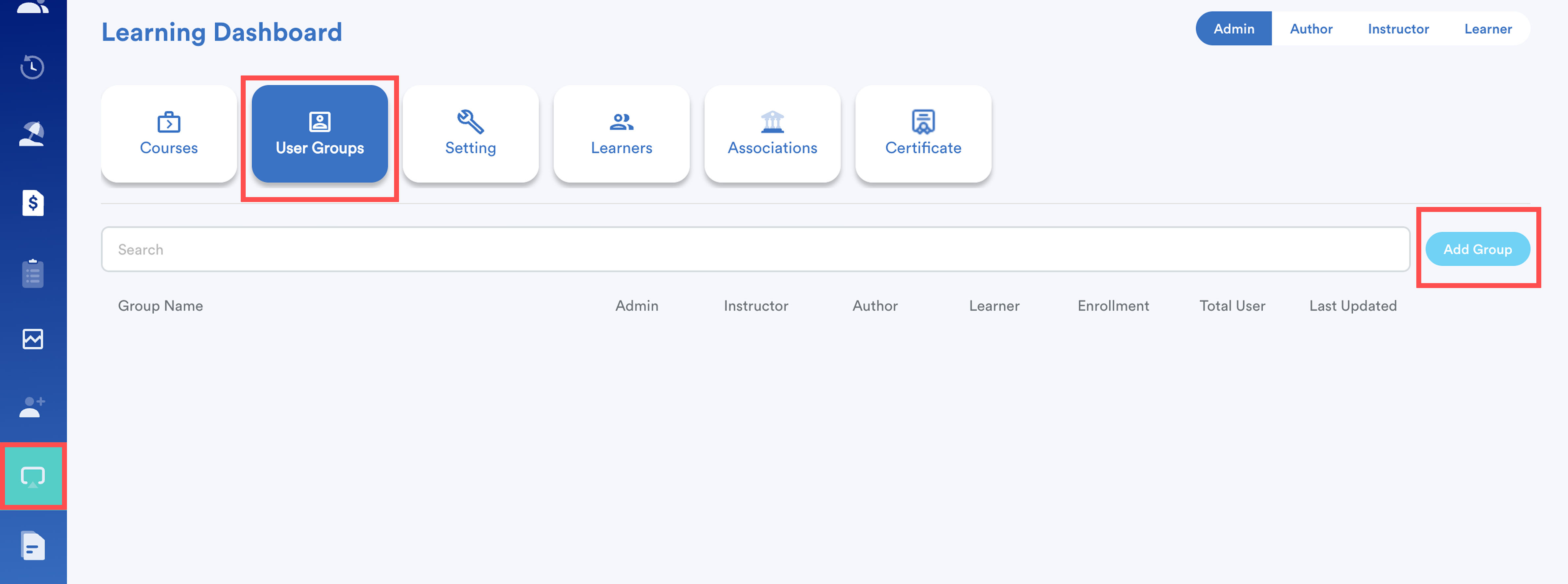
Refer to this guide: How to Create LMS User Group and Assign RolesStep 3
Create 1–2 core courses to serve as starting points for your LMS.
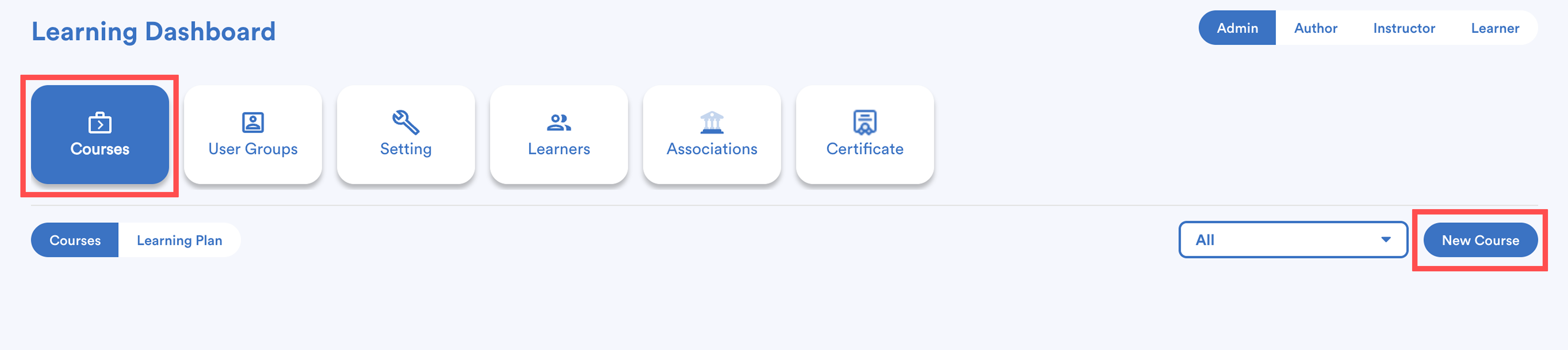
Refer to this guide: How to Set Up a CourseStep 4 (Optional)
Create a simple starter Learning Plan or a single-course learning plan for onboarding new users.
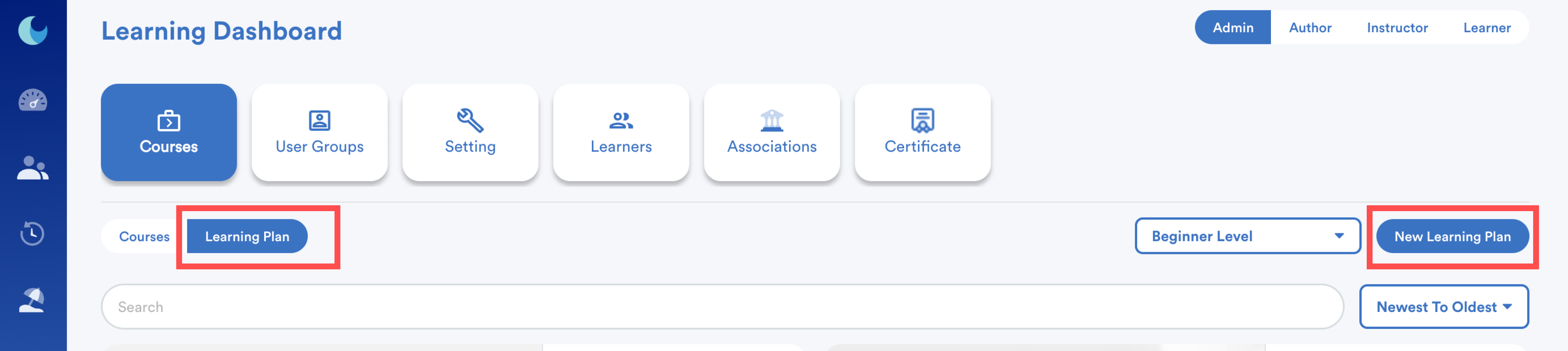
Refer to this guide: How to Set Up a Learning PlanStep 5
Enroll a test user and preview the LMS from the learner’s perspective to ensure everything is working correctly.
Refer to this guide: Assign Learning Plan to User GroupsTips
- Use consistent naming conventions for roles, courses, and classes.
- Always preview as a learner to confirm what users will see.
We hope this explanation clarifies the matter. If you require additional assistance, do not hesitate to contact our support team.
Was this article helpful?
That’s Great!
Thank you for your feedback
Sorry! We couldn't be helpful
Thank you for your feedback
Feedback sent
We appreciate your effort and will try to fix the article