This step is necessary as it adds a list of dropdowns as options for the information to be selected.
Applicable for:
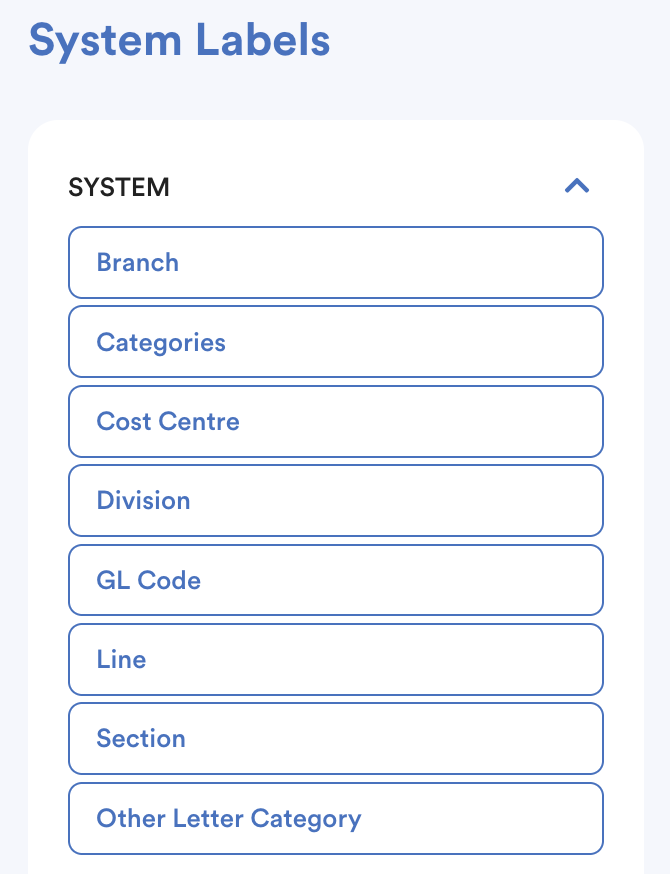
- System - Branch, Categories, Cost Center, Division, GL Code, Line, Section, Other Letter Category
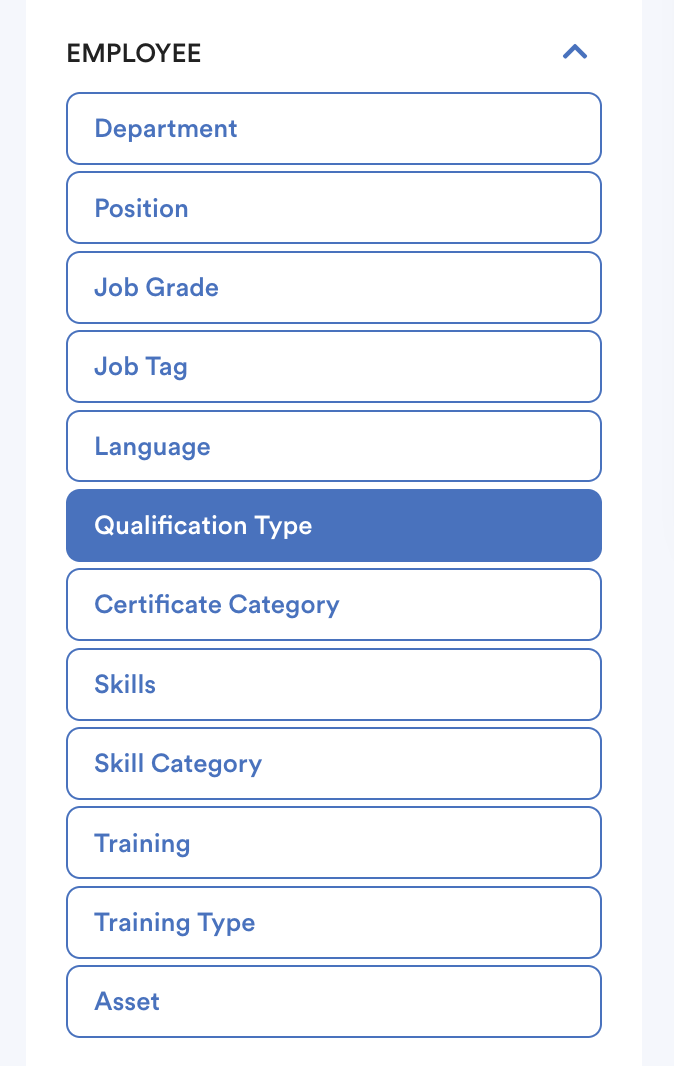
- Employee - Department, Position, Job Grade, Job Tag, Language, Qualification Type, Certificate Category, Skills, Skill Category, Training, Training Type, Asset
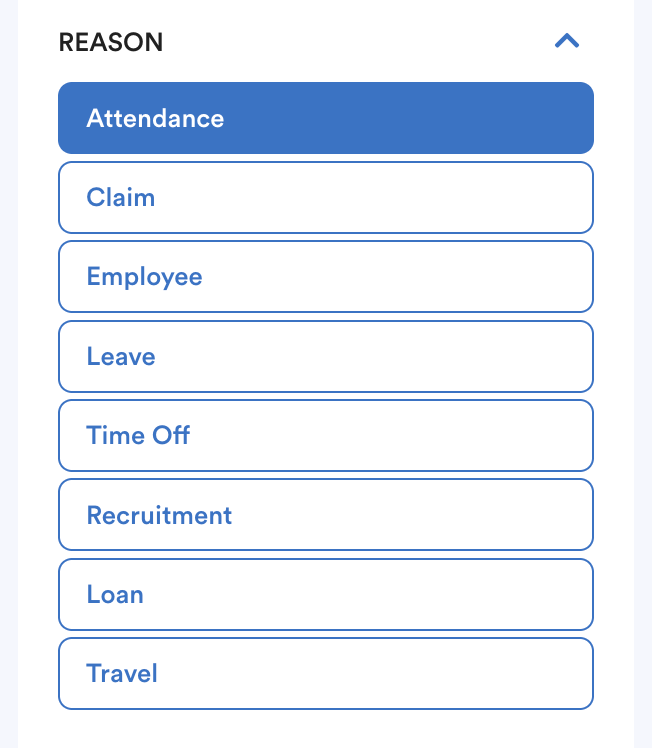
- Reason - Attendance, Claim, Employee, Leave, Time Off, Recruitment, Loan, Travel
- Claim - Category, Claim Voucher Cycle, Claim Voucher Item
- Payroll - Payroll Cycle, Payroll Period, Payroll Item
Below shows the system pathway that will be affected by the system label.
1. System
Branch, Categories, Cost Center, Division - Profile > Employment;
GL code - Setting > GL Integration;
Other Letter Category - Utilty > Letter Builder
2. Employee
Department, Position, Job Grade - Employee Profile > Employment;
Create your job position under Employee Profile > Employment; then it will show up in Employee > Employee > Job Description.
Job Tag - Employee > Job Description;
Language, Qualification Type, Certificate Category, Skills, Skill Category, Training, Training Type - Profile > Experience;
Skills, Skill Category - Attendance > Project Cost > Project Listing;
Asset - Profile > Work
3. Reason
Attendance, Claim, Employee, Leave, Time Off, Recruitment, Travel - My Request;
Employee - Emmployee > Progression > Resignation;
Loan - Payroll > Transaction > Loan Management
4. Claim
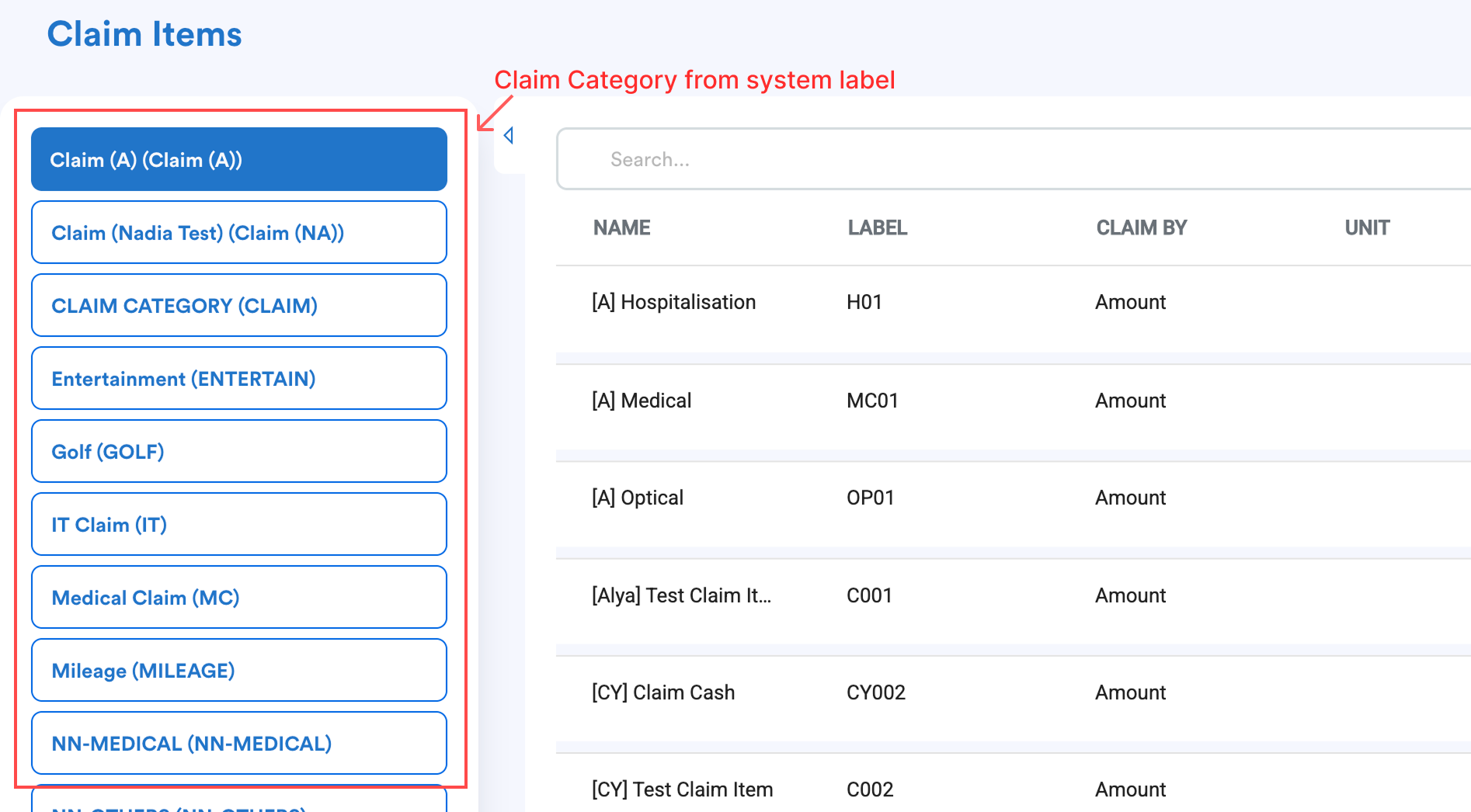
Category - Setting > Claim Item;
Claim Voucher Cycle - Claim > Claim Voucher > Process ;
Claim Voucher Item - Claim > Claim Voucher > Claim Voucher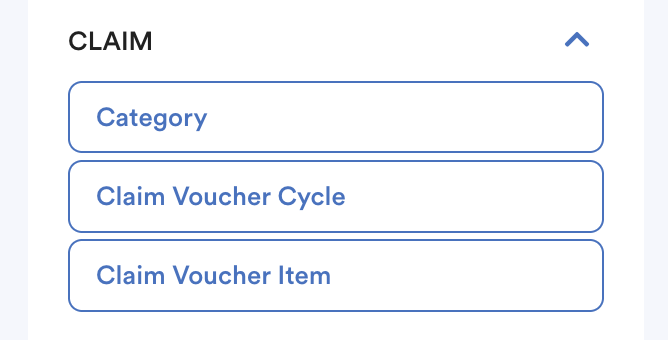
5. Payroll
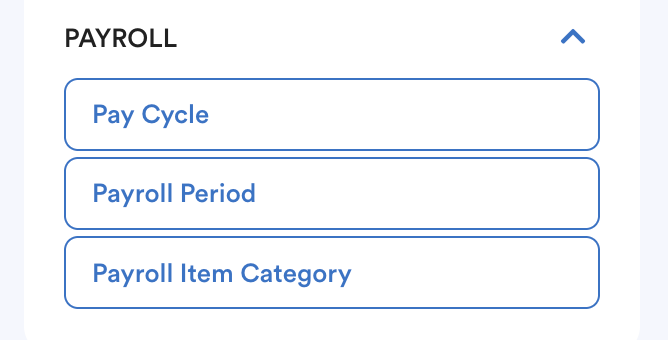
Payroll Cycle - Setting > Payroll > Payroll Policy, Payroll > Process ;
Payroll Period - Payroll > Process > Custom Period ;
Payroll Item Category - Setting > Payroll > Payroll Item
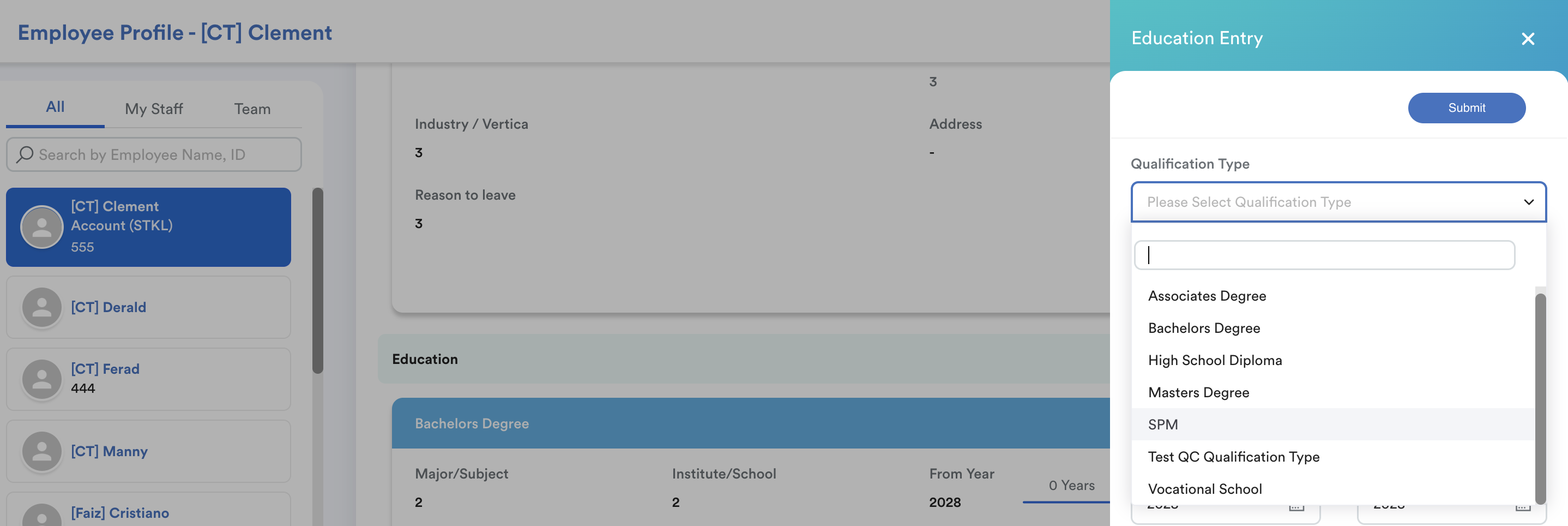
For example, the admin wants to add SPM as one of the qualification types.
Step 1
Go to Settings > General > System Labels > Employee > Qualification Type
At the top right corner, click Add New.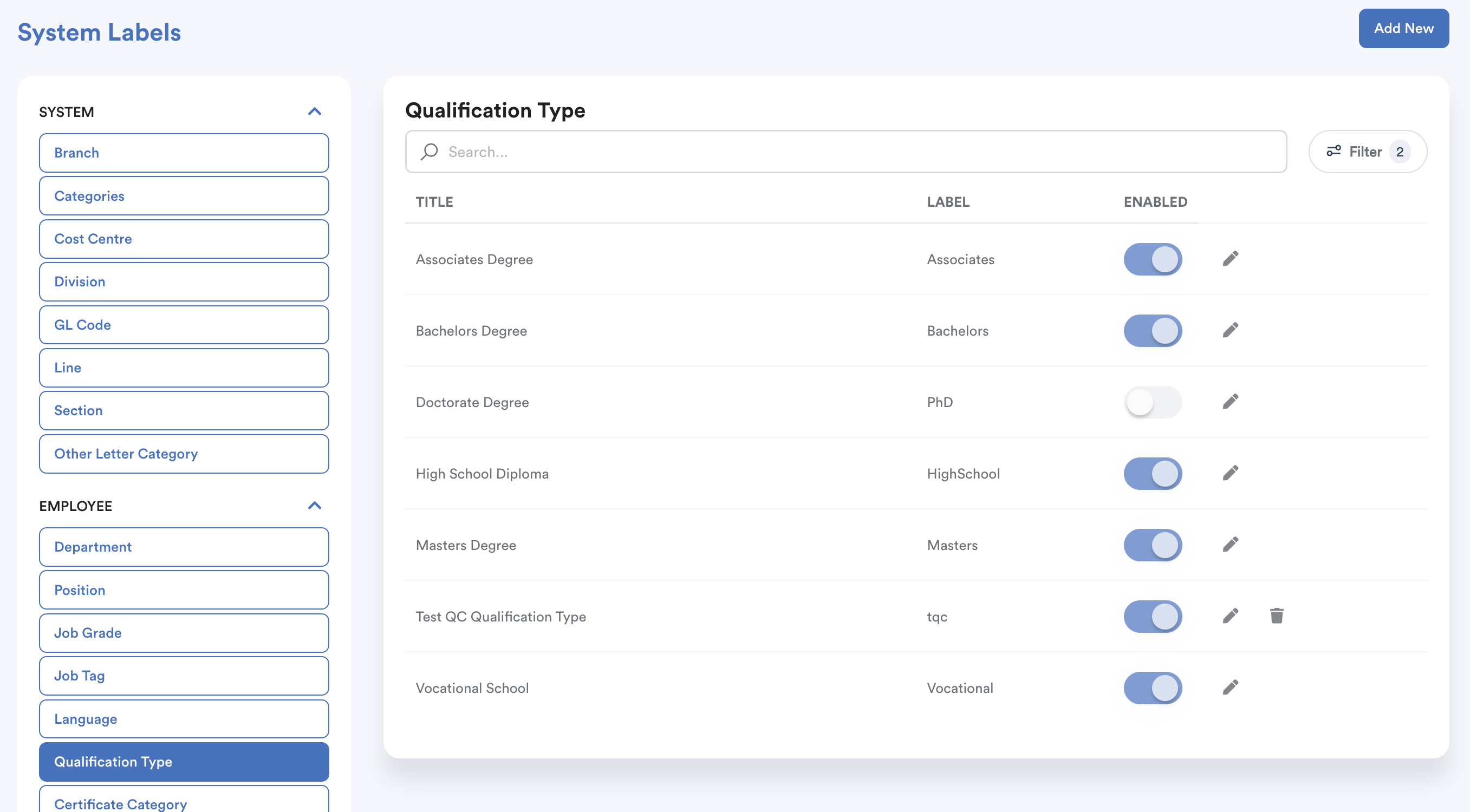
Step 2
Add Title and Label > Click on the Save icon.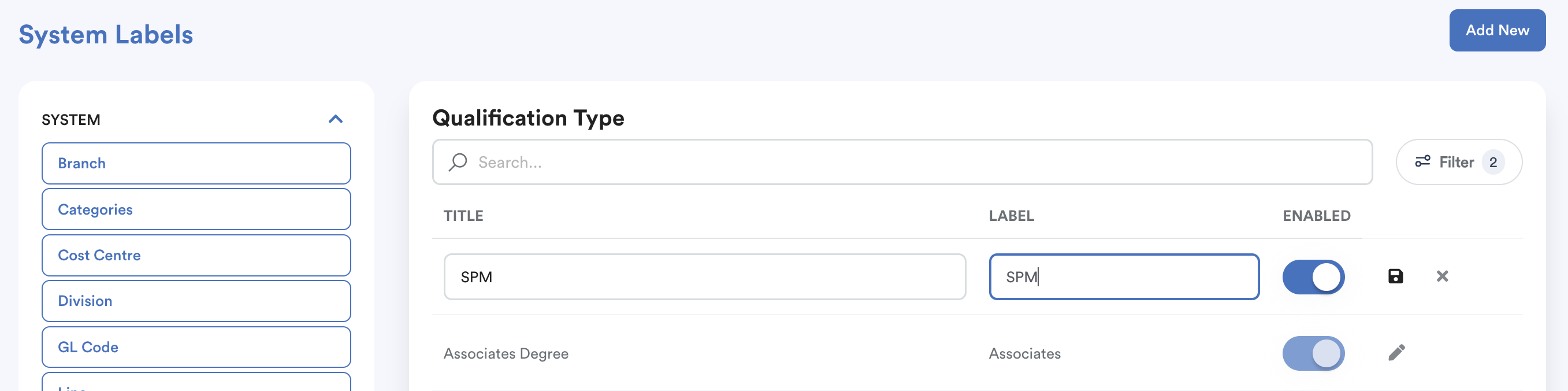
This will appear in employee profile > Experience > Education Entry dropdown selection.
We hope this explanation clarifies the matter. If you require additional assistance, do not hesitate to contact our support team.
Was this article helpful?
That’s Great!
Thank you for your feedback
Sorry! We couldn't be helpful
Thank you for your feedback
Feedback sent
We appreciate your effort and will try to fix the article