When your staff could not view payslip/EA form after you processed payroll, please check "Only show payslip / EA Form to employees after payroll period is locked" setting under Settings > General > Company.
If you toggle this on, you need to make sure your payroll is locked under payroll control to enable staff to view their payslip.
Step 1
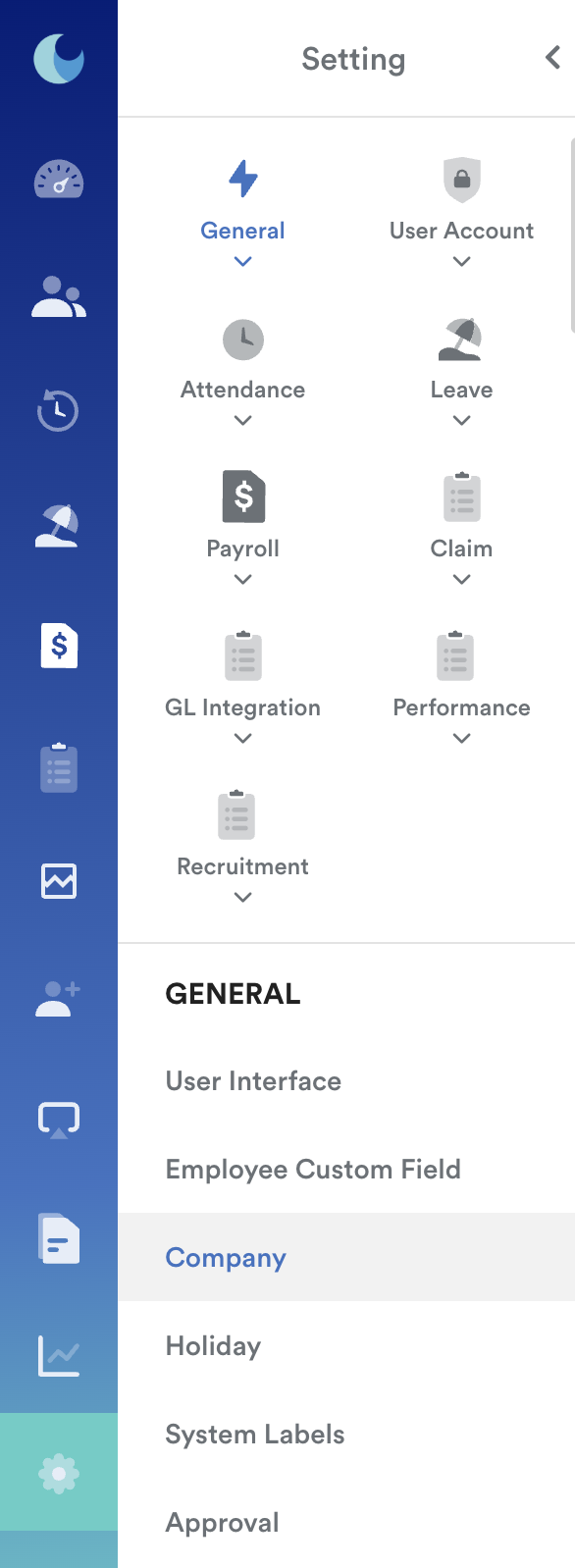
Navigate to Settings > General > Company
Step 2
Select an existing company from the listing on the left. Then, click 'General' (4) and enable the feature to "Only show payslip / EA Form to employees after payroll period is locked" (5).

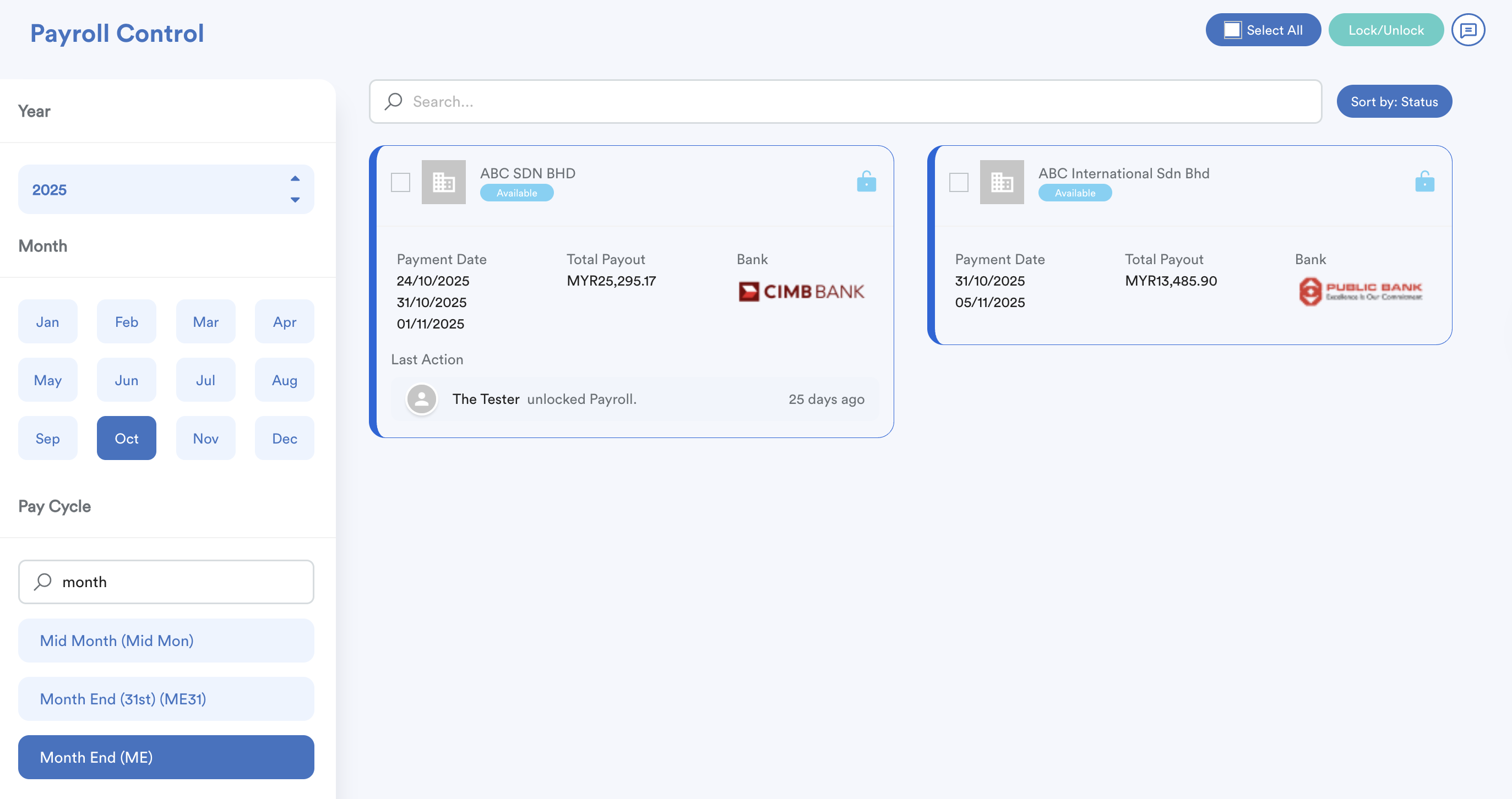
Refer to the below article on how to lock/unlock payroll:
Was this article helpful?
That’s Great!
Thank you for your feedback
Sorry! We couldn't be helpful
Thank you for your feedback
Feedback sent
We appreciate your effort and will try to fix the article