You can check whether your claim request has been approved using two methods:
Method A: My Request
Step 1
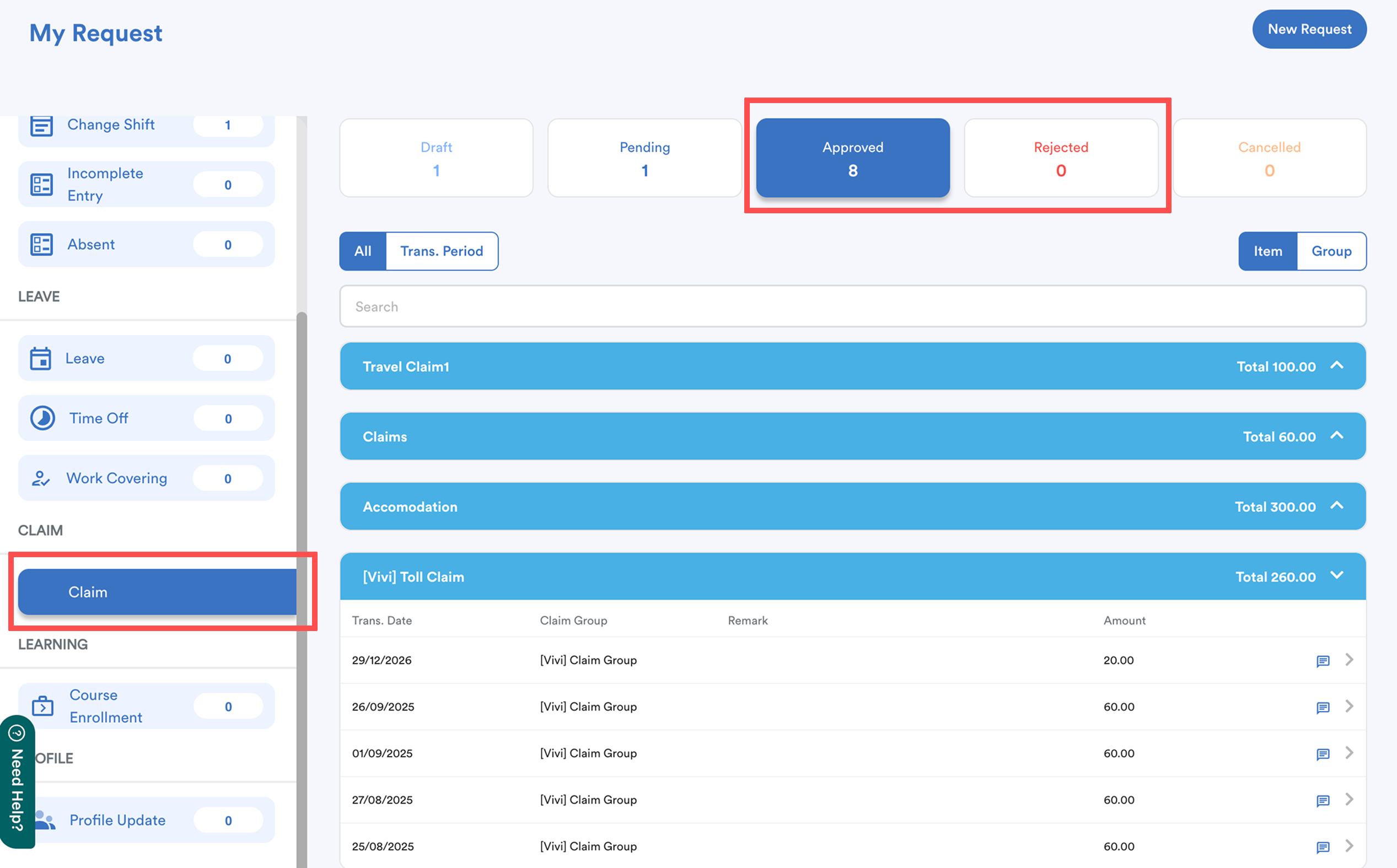
From the right menu, go to My Request, then select Claim.
Step 2
Your submitted requests appear under the Pending tab. Once approved or rejected by your superior, they will move to the Approved or Rejected tab.
Method B: Email & System Notification
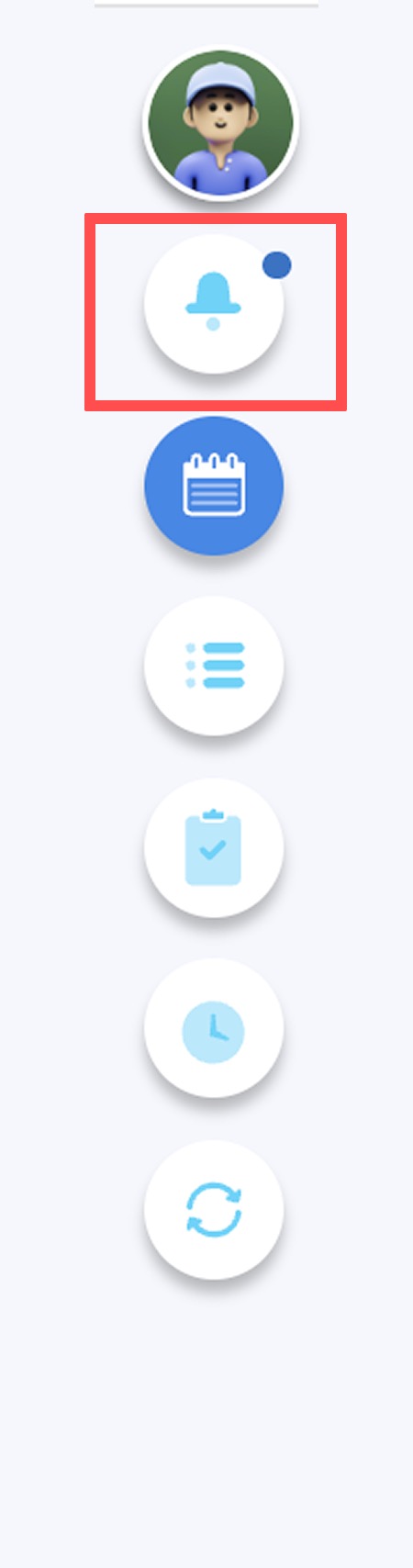
From the right-hand menu, click Notifications.
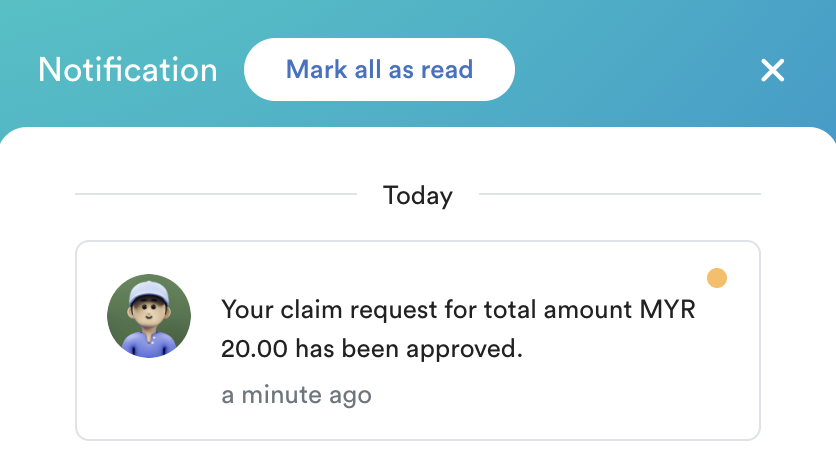
When your claim request is approved, you will receive email and system notifications.
We hope this explanation clarifies the matter. If you require additional assistance, do not hesitate to contact our support team.
Was this article helpful?
That’s Great!
Thank you for your feedback
Sorry! We couldn't be helpful
Thank you for your feedback
Feedback sent
We appreciate your effort and will try to fix the article